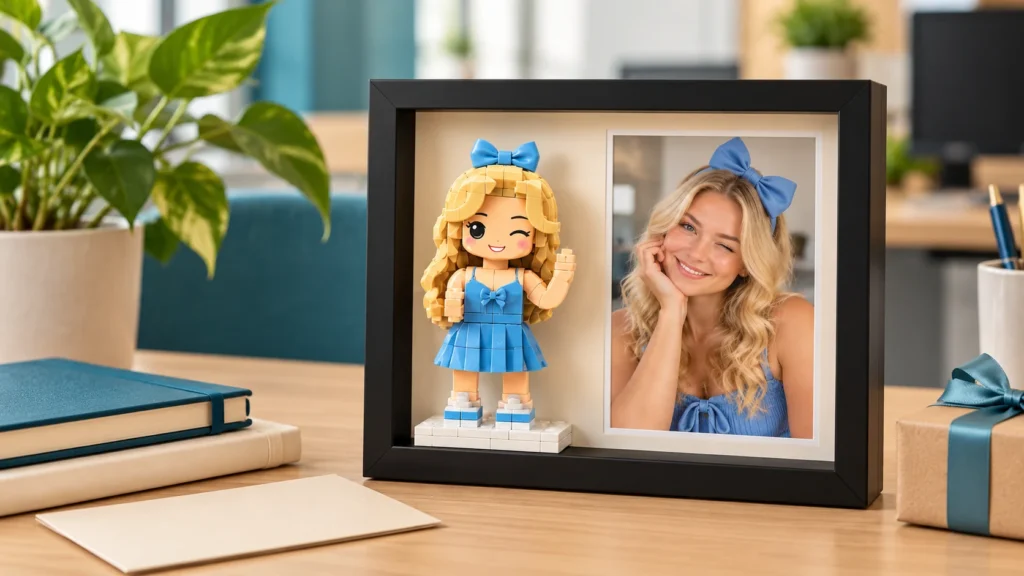
How to Review a Custom Figurine Preview Before Printing
A practical checklist for reviewing a custom figurine's 3D preview, requesting specific adjustments, and approving the correct design before printing.
Published October 21, 2026
Table of Contents

Review a custom figurine preview by comparing the front, side, and back views with the references agreed for your order. Check the features that identify the person, then the outfit, pose, and base details. Send one organized list of specific corrections, confirm any limits on color or fine details, and approve the exact final version you want printed.
This is the stage for checking how your chosen photos became a three-dimensional model. If your references or instructions still conflict, settle that first using the custom figurine reference guide. A preview is easier to assess when everyone knows which photograph controls the face, outfit, and pose.
Key Takeaways
- Compare matching angles so a camera view doesn’t look like a modeling mistake.
- Separate identifying features from the stylization you chose for the figure.
- Describe changes using a location, reference, and requested result.
- Confirm the finished dimensions, printing process, and final preview version before approval.
1. Understand what the preview shows
A digital preview helps you check the proposed design before it becomes a physical object. It can show facial shape, hairstyle, clothing, pose, and the relationship between the figure and its base. Ask whether your preview represents the intended colors or only the shape; an uncolored sculpt doesn’t answer a color question.
The screen image is not a photograph of the finished miniature. Lighting, shadows, and the viewing angle affect how a digital model appears. Physical color and surface texture also need separate consideration. The Mini Me product information notes that slight differences in facial details, colors, proportions, and surface texture may occur.
Treat the proof as two checks: Does the design match our agreement? And do I understand how that design will translate into the finished figure? A correct jacket color in a render doesn’t establish an exact physical color match, just as a smooth screen surface doesn’t establish the finished texture.
Keep the order summary and original instructions beside the preview. Those are your baseline, especially if earlier messages introduced several alternative poses or outfits.
2. Compare likeness from matching angles
Check the face from a similar angle to the reference before requesting a change. A front view and a three-quarter view can make the same nose, jaw, or cheek look different. If you have only one preview angle, ask for the additional view needed to answer your concern rather than guessing what the hidden side looks like.
Work from the overall silhouette to individual features. Look at the hair shape and parting, face outline, expression, and any distinctive glasses or facial hair. Then compare the side profile. Return to the full figure afterward to see whether those details still read as the person when the model is shown smaller.
Separate identity from style. An enlarged head may be part of the agreed miniature treatment; a hair part on the wrong side is a specific detail to question. The figurine likeness guide explains how recognizable features and the chosen style work together.
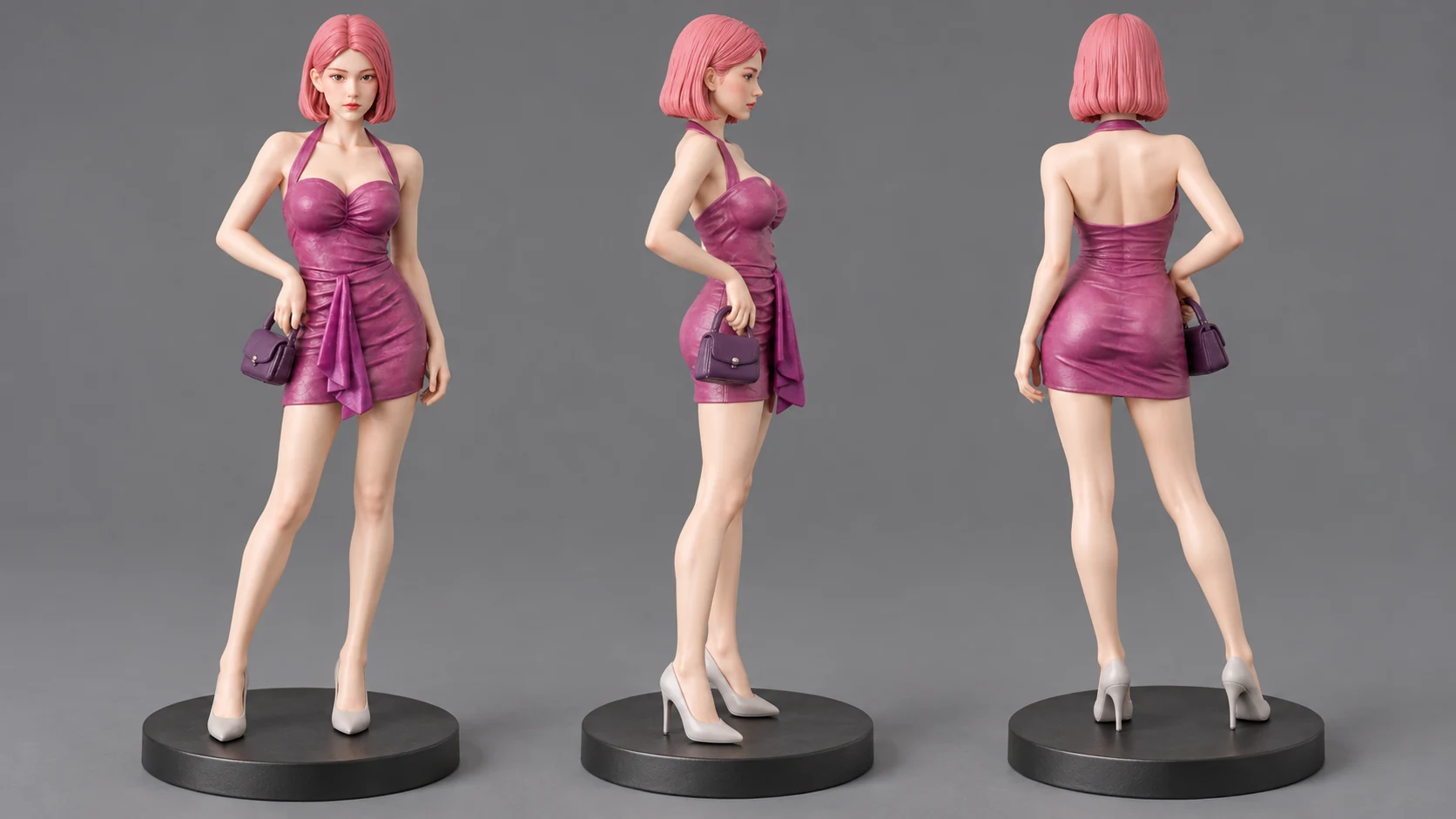
AI-generated editorial illustration of digital model views, not an actual customer order preview.
Use the same comparisons across all views. A hairstyle that looks correct from the front may have a different length at the back. If one angle appears inconsistent, name that view in your feedback so the maker can inspect the same area.
3. Check the outfit, pose, and base together
Verify the outfit against the agreed outfit reference, including features that carry personal meaning. Check sleeve length, neckline, footwear, and the position of an accessory. For text or a logo, confirm the spelling and placement, then ask what will remain readable at the chosen finished size.
Use the subject’s own left and right when describing a detail. For example, write “the person’s left wrist” rather than “the wrist on the left of my screen.” If the reference might be mirrored, attach an annotated copy that identifies the intended side.
Review the pose as a whole. Is the intended hand raised? Does the head face the right direction? Is an object held in the agreed position? If a gap under an arm or an extended accessory concerns you, ask how that area will be made and supported. Don’t assume a digital shape can be printed unchanged or that extra support will be removable.
Check the base details included in your order, including any agreed text. Ask whether an unfamiliar shape is part of the finished design or a temporary manufacturing element. A change to the stance can also affect the base or display footprint, so review those together.
4. Use a compact preview checklist
Record a clear outcome for each item: approved, correction requested, or question pending. A question is still unresolved until you have the answer, even if the model itself looks attractive.
| Item | Compare with | What to record |
|---|---|---|
| Face and hair | Agreed identity references at matching angles | Features to keep and specific changes |
| Outfit and accessories | Chosen outfit reference and written notes | Color, shape, placement, and subject-relative side |
| Pose | Agreed pose reference or description | Head direction, limb position, and object placement |
| Base and text | Order instructions | Included design, spelling, and any unclear elements |
| Dimensions and finish | Confirmed order specification | Overall measurements and intended physical appearance |
| Final version | Latest revised proof | Identifiable version and resolved requests |
Give priority to features that change who or what the figure represents: the wrong hairstyle, missing glasses, a different outfit, or incorrect text. Separate these from small preferences such as a gentler smile. That distinction helps you explain which changes matter most without turning every visible difference into an equally urgent request.
5. Send feedback the maker can act on
Write each request as location + reference + desired change. Add an annotated screenshot when pointing to the area would be clearer than describing it. Keep annotations separate from your original reference files so neither gets mistaken for the other.
The following examples are hypothetical feedback messages, not customer cases:
- Hair: “In the front preview, the hair part is on the person’s right. Please move it to the person’s left, as shown in reference A. Keep the current hair length.”
- Outfit: “In the side preview, the dress sleeve extends below the elbow. Please shorten it to match reference B. Keep the neckline and skirt shape as shown.”
- Pose: “Please adjust the raised hand toward the position in reference C. Can you confirm whether this changes the base or requires a visible support?”
Also say what you want preserved. “Keep the current expression” is useful when asking for a hairstyle change. It makes your intended result clearer than a broad instruction such as “make the face better.”
Send one consolidated list tied to the preview you’re reviewing. When a revision arrives, check each request and look for unintended changes nearby. For example, correcting a hand position warrants another look at the accessory it holds. If a new request changes the original design, ask what is possible before treating it as an agreed correction.
6. Resolve color, size, and printing questions
Confirm the physical order details in writing before approval. Ask how the finished height is measured, whether it includes the base, and what footprint an extended pose needs. The figure size and display guide can help you assess the space available on a desk or shelf.
Fine detail needs a separate reality check. Formlabs’ design specifications for its Form 4 printers explain that very small raised or recessed details may disappear or merge, with limits depending on the machine, material, and settings. Those specifications concern a particular printing system; they don’t establish this product’s equipment or limits. The useful question is: “Will this detail remain visible at my selected size with your process?”
Confirm the color approach, too. The Mini Me listing describes full-color printing that forms the clothing and personal details during printing, without traditional hand painting. Don’t assume a painted finish or a later painted correction is included. If a particular color is important, identify the reference that defines it and ask how closely it can be reproduced.
7. Approve the exact final version
Approval should identify the proof you reviewed. Use its filename, date, message attachment, or version label, and include a short confirmation that your requested corrections are resolved. Save that message with the final preview and order details.
Before sending approval, check that no questions remain about the outfit, pose, base, dimensions, or finish. If a feature still needs clarification, explain the unresolved point and wait for the answer. Avoid approving an older image simply because it appears above the latest revision in a message thread.
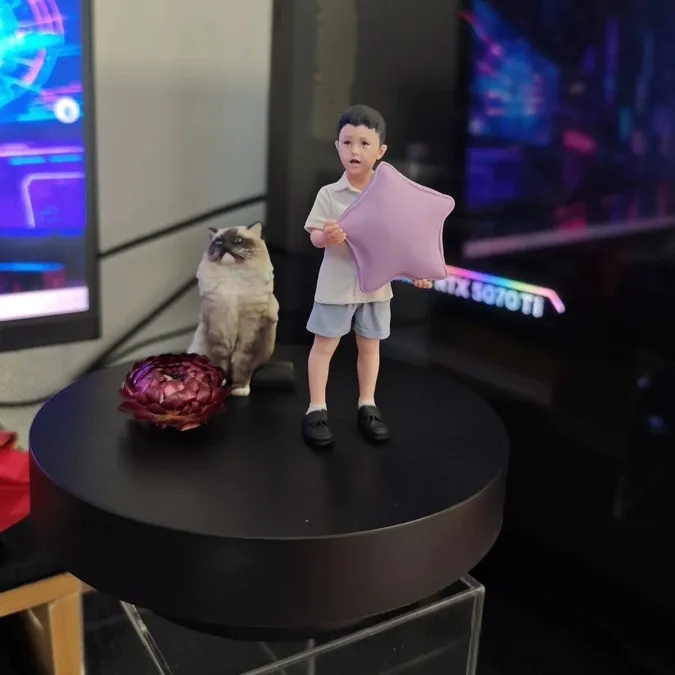
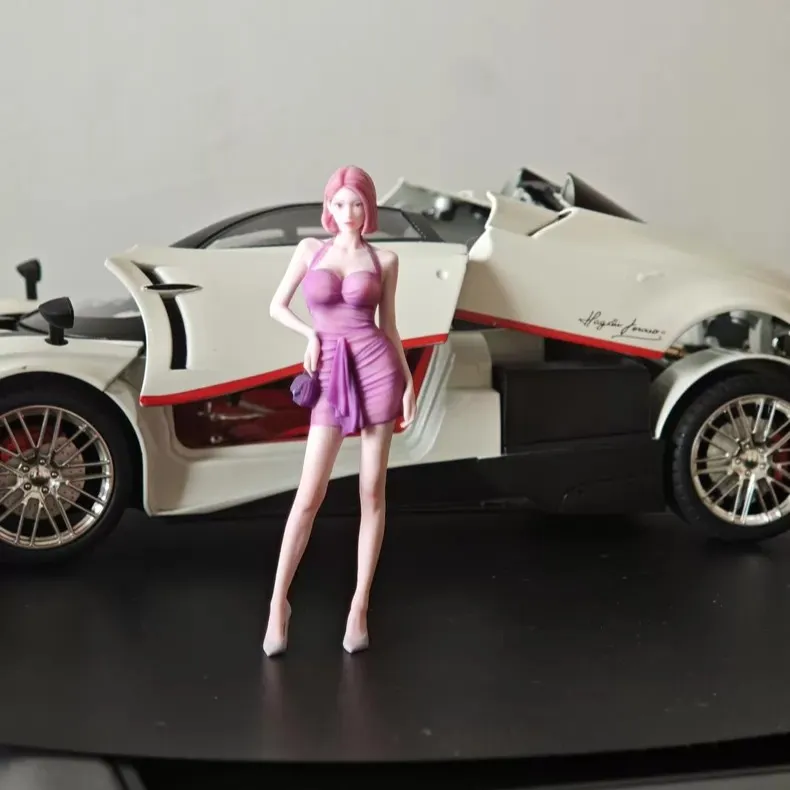
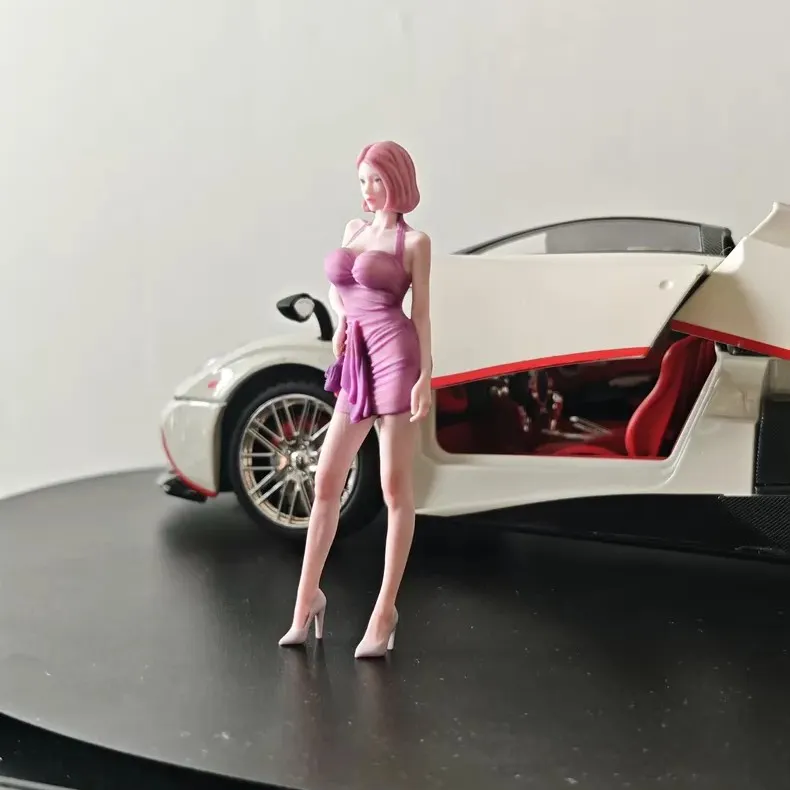
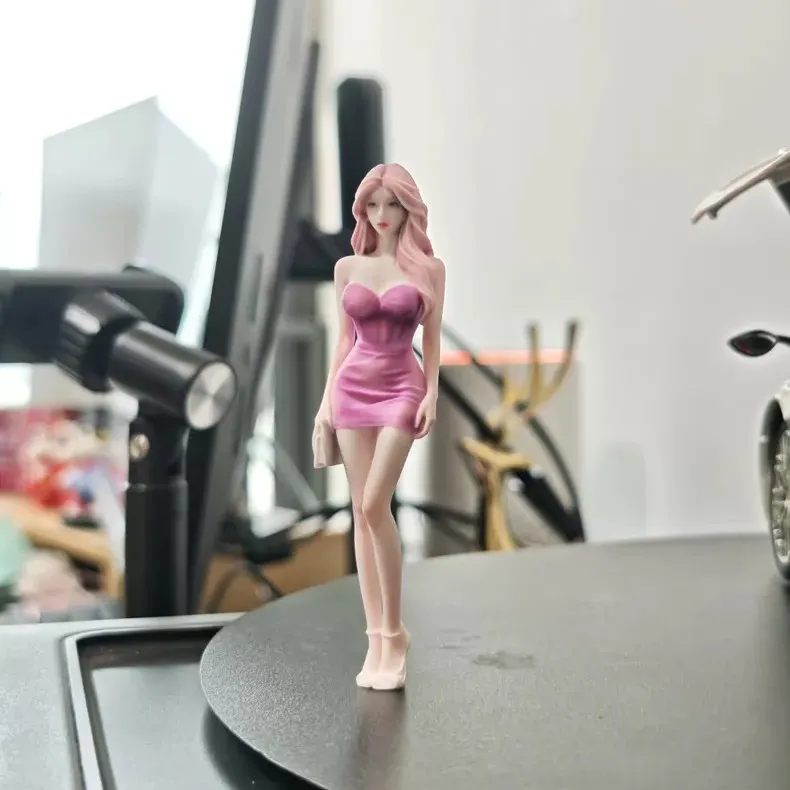
For a photo-based figure with a preview stage, the personalized Mini Me figurine currently includes a 3D preview and reasonable adjustments to likeness, pose, outfit, or base details before printing approval. Review the current product information and confirm your order-specific requirements before proceeding.
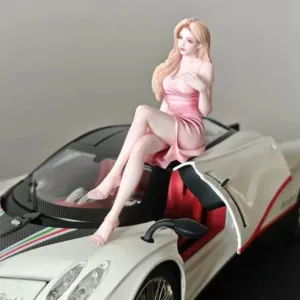
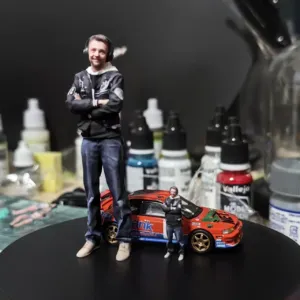
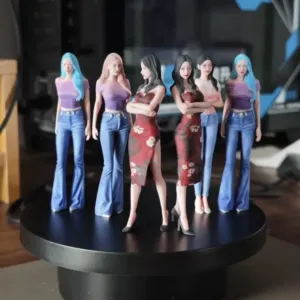
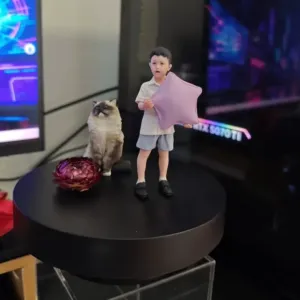
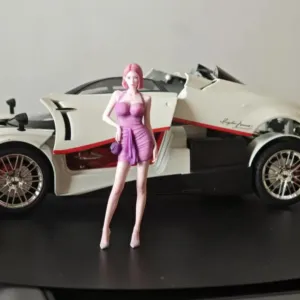
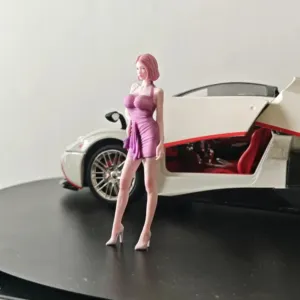
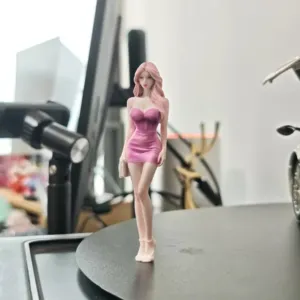
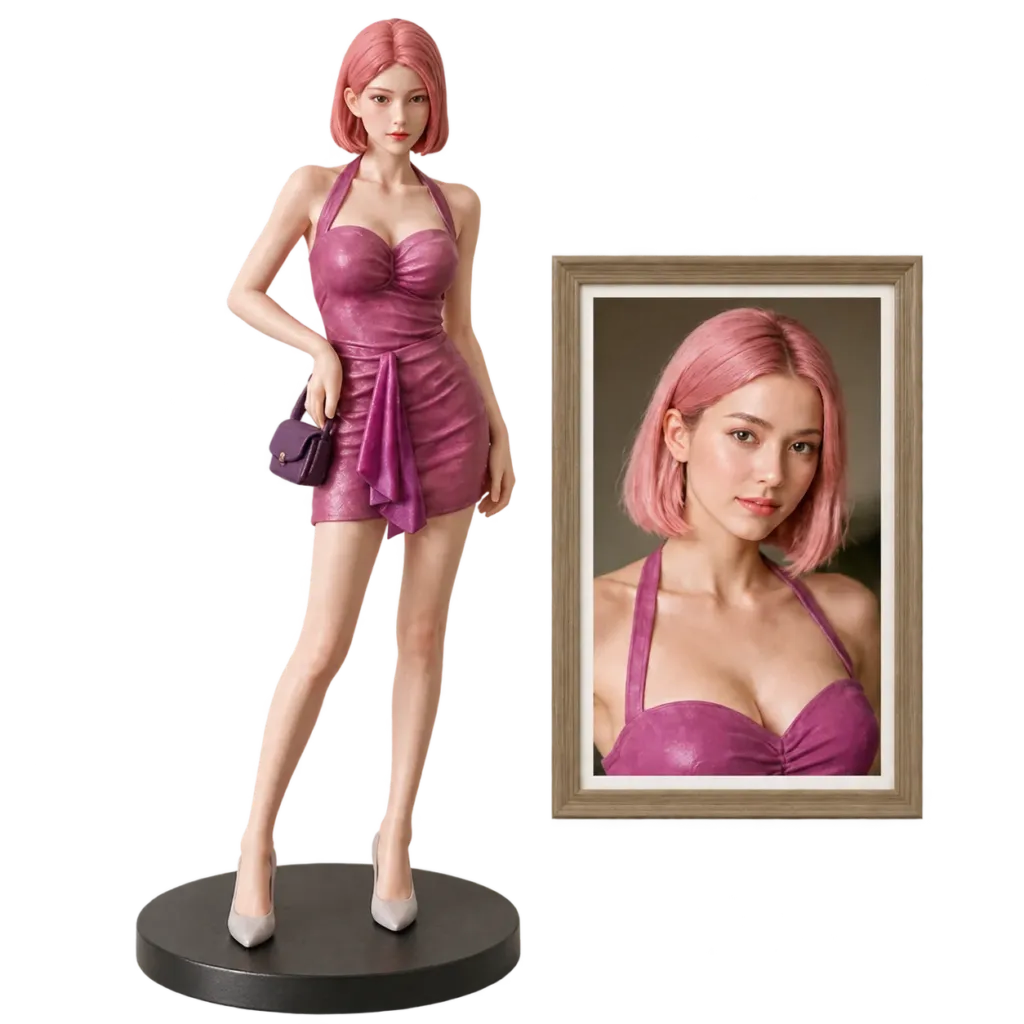
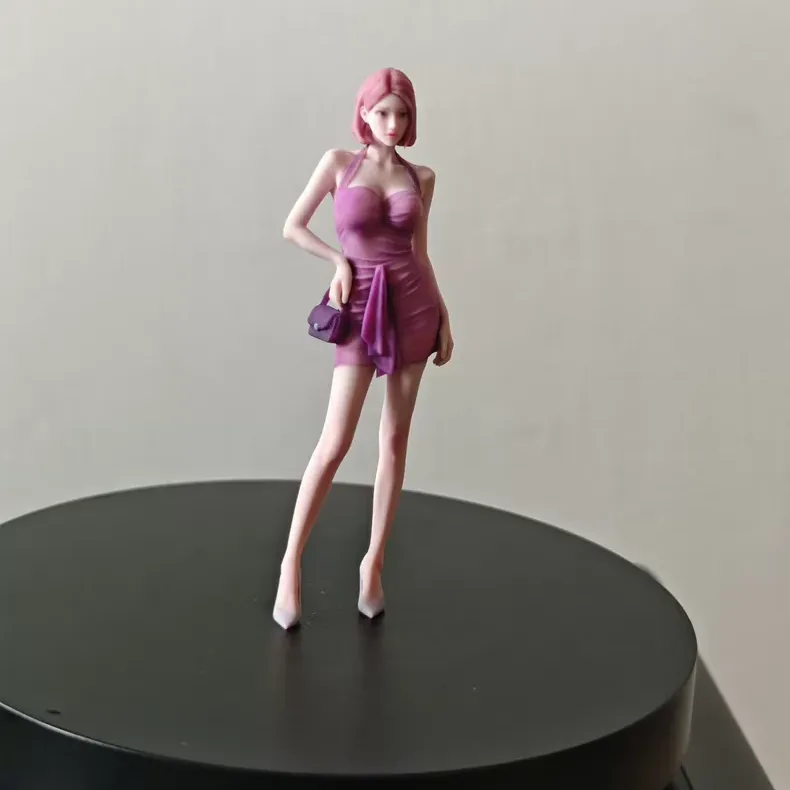
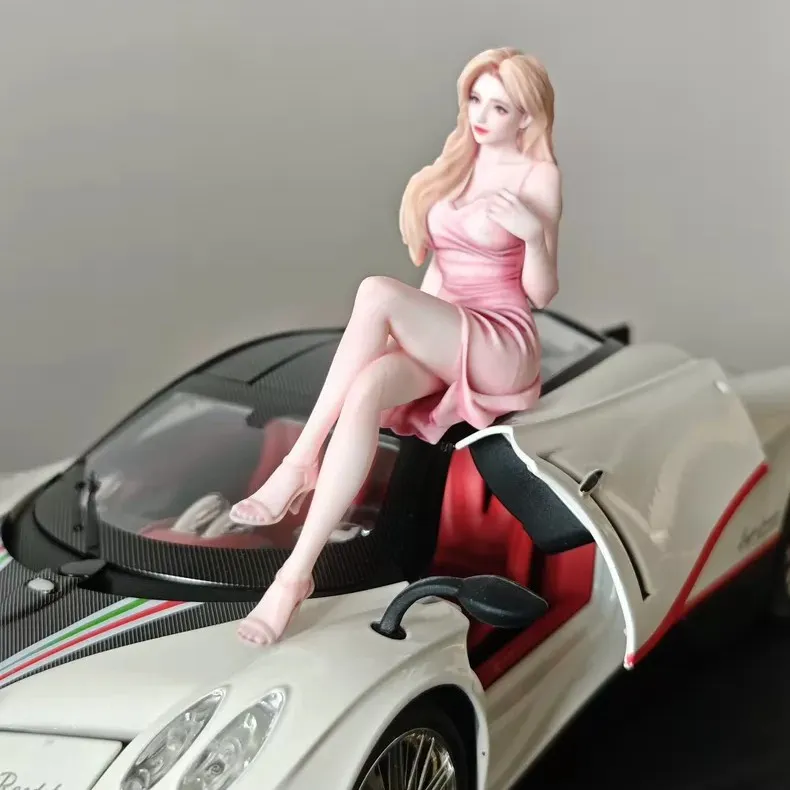
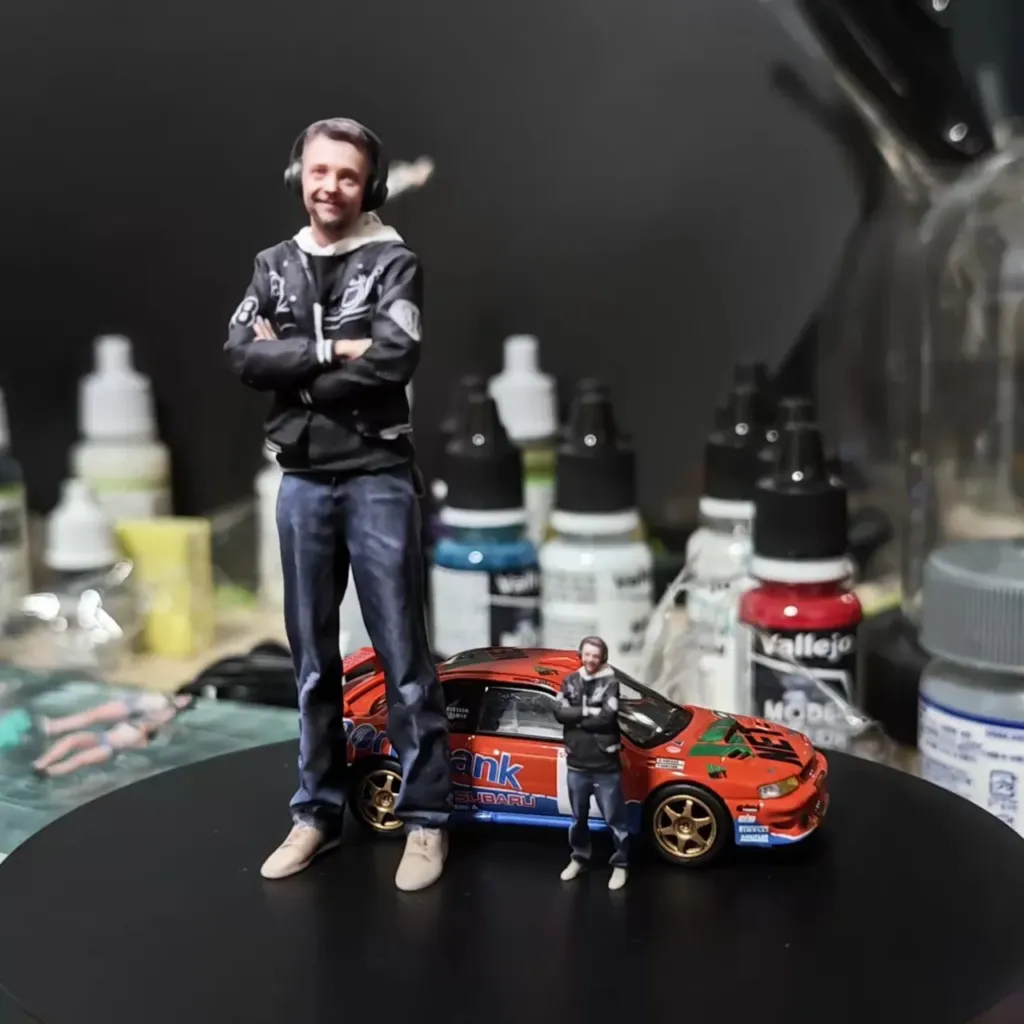
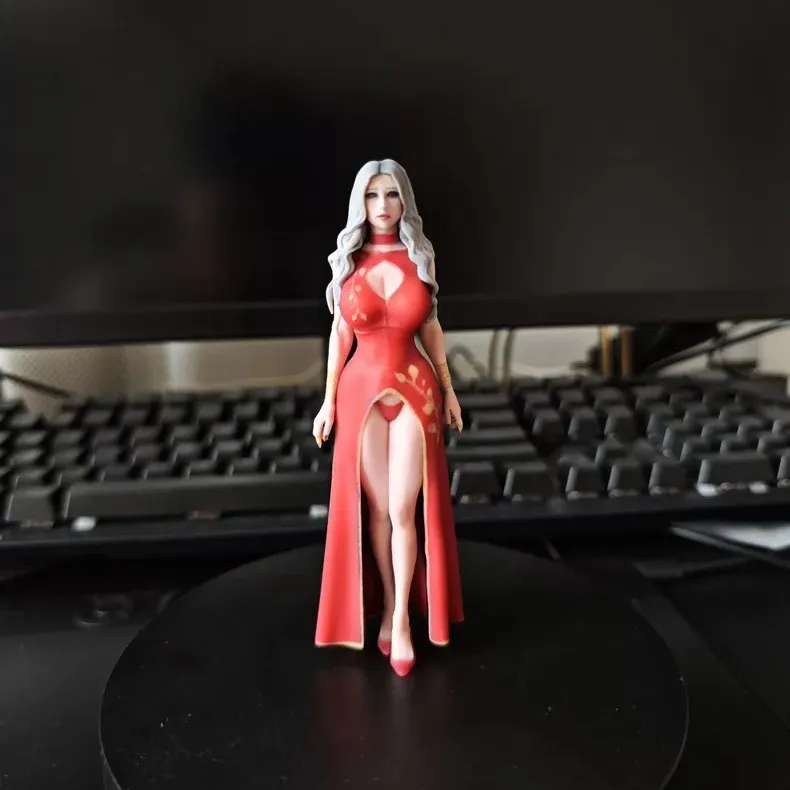
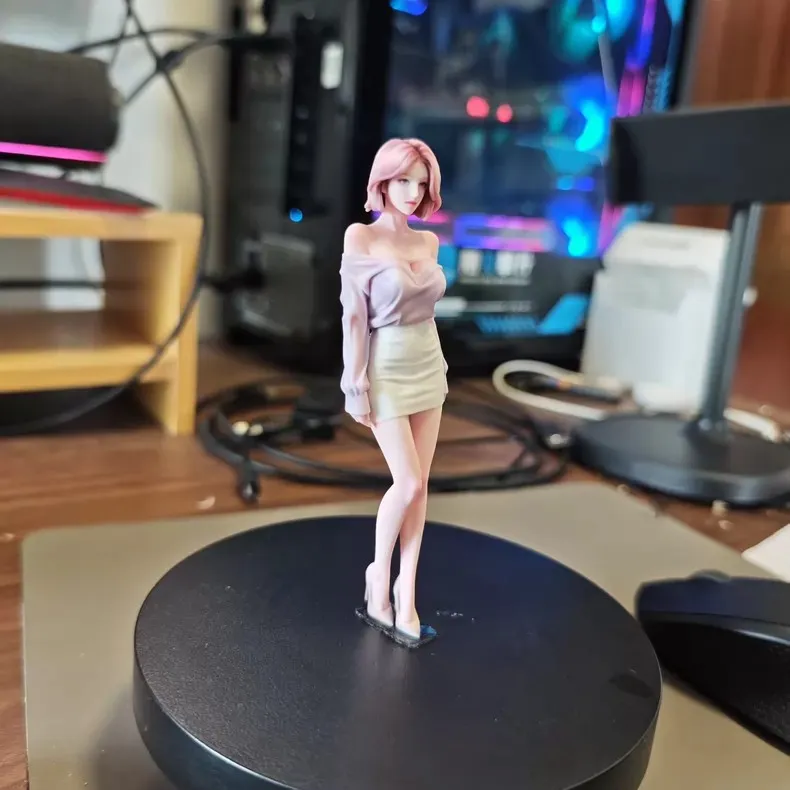
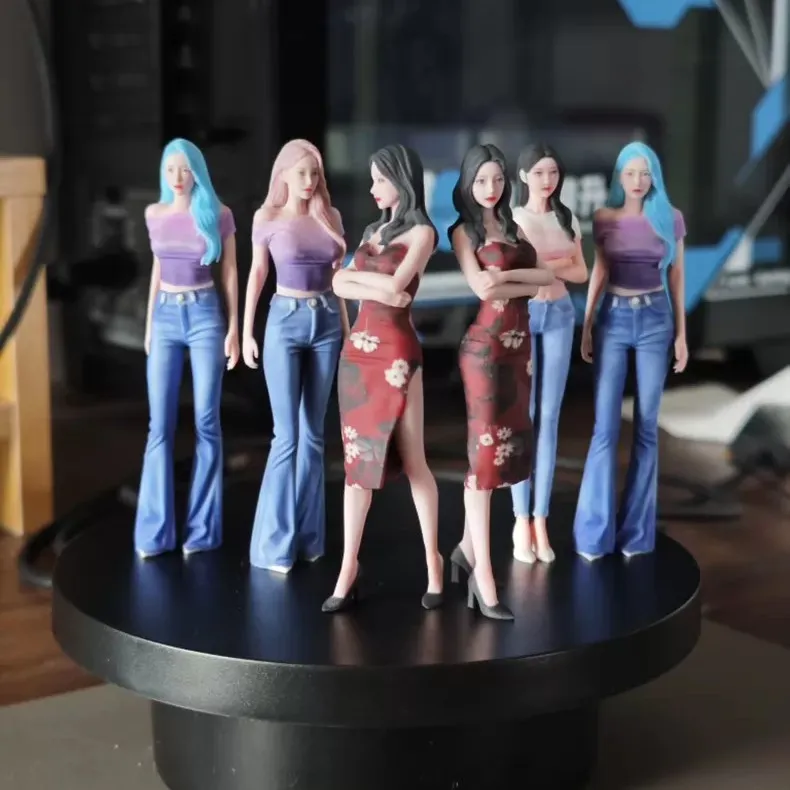
Custom 3D Miniature Figure from Photo – Personalized Mini Me Figurine
Create a full-color 3D figurine made from your photo. Personalize the clothing, hairstyle, and pose for a custom Mini Me keepsake or gift.
Prepared by Figmo using current product information, reviewed October 11, 2026. Images are AI-generated editorial illustrations. For questions about an individual preview or order, use the contact page.
Best selling products

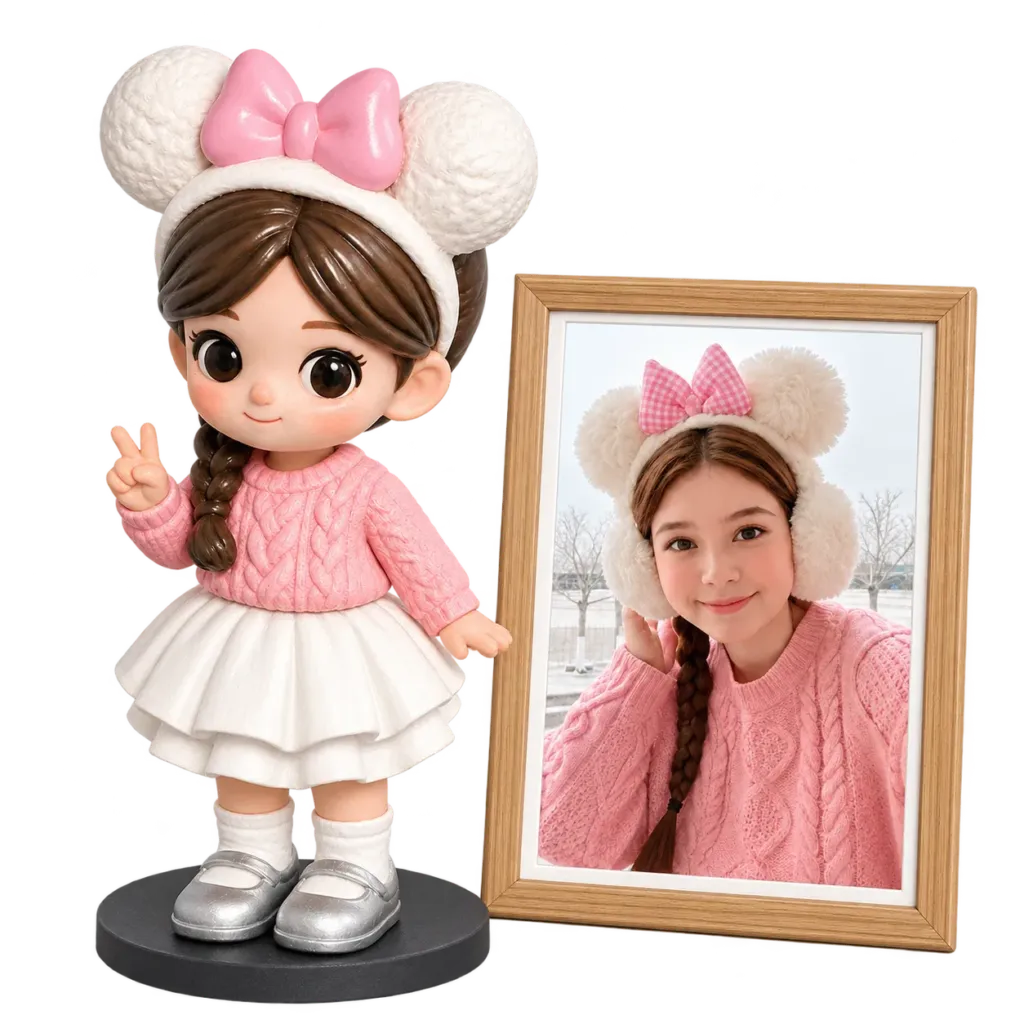
Personalized 3D Chibi Figurines From Photos of People or Pets
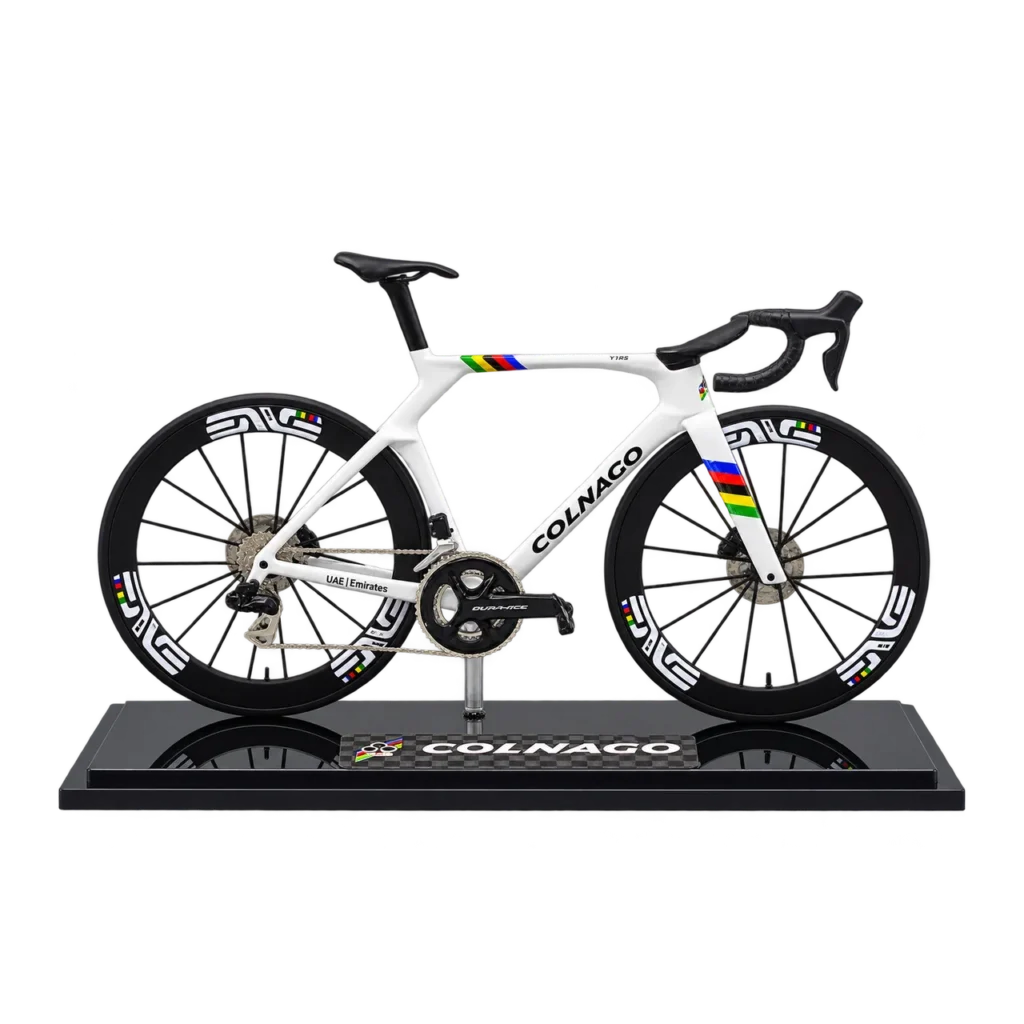
Price range: $49.00 through $499.00Colnago Y1RS Road Bike Model – Rainbow Colors
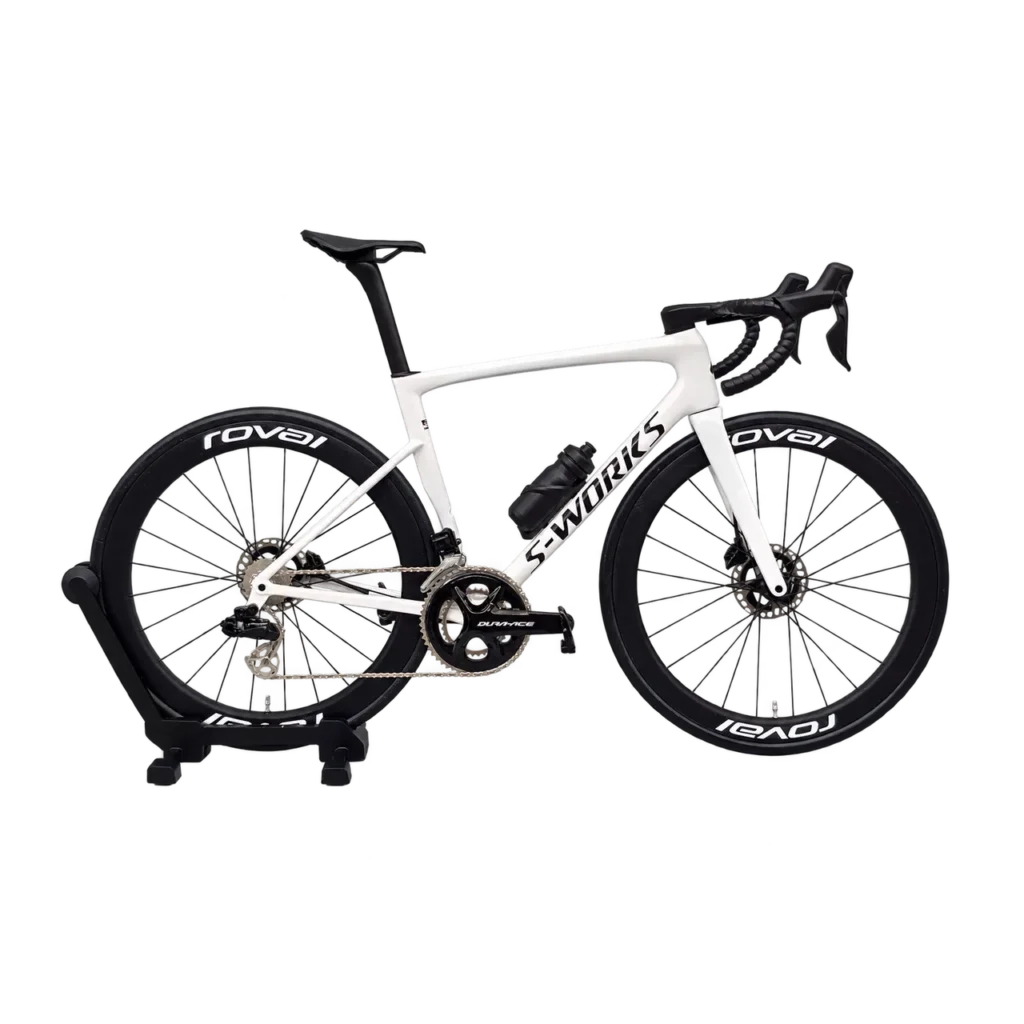
Price range: $159.00 through $399.00Specialized Tarmac SL8 Road Bike Model – 3 Sizes
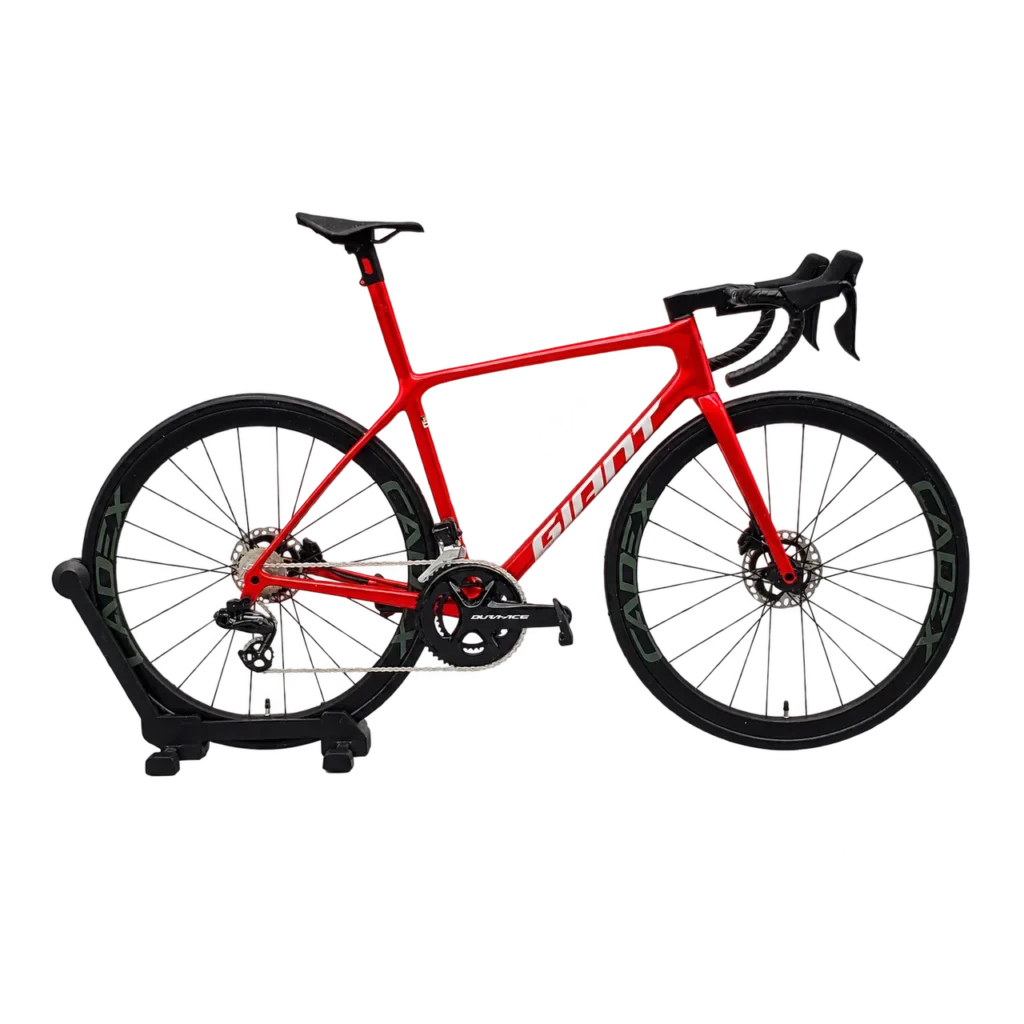
Price range: $159.00 through $399.00Giant Road Bike Model – TCR SL & Propel Advanced
Price range: $159.00 through $579.00
FAQ
Everything to know.
A few quick answers before you customize your Figurine here.
Can’t find your answer? Talk to a real person
For best likeness, upload 3-8 clear photos: front view, side view, outfit details, hairstyle, accessories, and any pose references you want us to follow.
Yes. We send a 3D preview before production. You can request reasonable adjustments to likeness, pose, outfit, base details, or accessories before approval.
Standard orders require 5–10 business days for processing, including reference review, 3D modeling, customer preview and approval, 3D printing, hand finishing, quality checking, and packaging. Tracked shipping then takes 5–7 business days. The total estimated delivery time is 10–17 business days. Day 1 begins on the first business day after payment and complete usable references are received. Delayed approval or extra revisions can extend the estimate. See our Shipping & Delivery Policy.
Yes. We can create people, pets, couples, family groups, anime-inspired styles, gaming avatars, wedding pieces, and memorial gifts from the references you provide.
We will work with what you have, but clearer references always improve likeness. If key details are missing, our team may ask for additional photos before sculpting.
Yes. Add notes during the order for pose, outfit, colors, accessories, base style, nameplate text, or special details you want included.
Figurines are 3D printed and hand finished. Final texture, color, and detail treatment vary by size, style, and the references used for the piece.
We aim for a recognizable, polished likeness, but a handmade 3D figurine is an artistic interpretation. Photos, lighting, hair, fabric, and scale can affect the final result.
Changes are easiest before approval. Once production starts, edits may be limited or require extra time and cost depending on how far the piece has progressed.
Contact us with photos of the packaging and damaged area as soon as possible. We will review the issue and help with a suitable resolution.
Yes. Figmo uses tracked international delivery services. Standard transit takes 5–7 business days after the 5–10 business day processing stage. The exact shipping charge is shown at checkout or confirmed in your written quote before payment. Customs processing may extend the estimate.
Yes. Multiple copies are useful for weddings, family gifts, teams, and memorial keepsakes. Share the quantity
you need so we can confirm timing and pricing.
Latest Posts
- Group Gifts for Coworkers: Plan One Personal Keepsake
 A practical way to coordinate one personalized gift from a team, from agreeing on the total budget to choosing a photo and sending one clear customization brief.
 - First Christmas Together Gifts: A Photo Keepsake GuideMark your first Christmas together with a photo-based keepsake that fits your relationship, your shared memories, and the place where it will be displayed.
- How to Review a Custom Figurine Preview Before PrintingA practical checklist for reviewing a custom figurine’s 3D preview, requesting specific adjustments, and approving the correct design before printing.